
Screenshots, to Show You a Bit of Behold
The following screenshots are from Behold version 1.1, 26 Jun 2015. They are shown in Windows 8.1. If you use a different version of Windows, or have changed your Windows theme, then the windows will have a different look, but all the contents will be the same.
This is the Main window of Behold. The Tree View is on the left and the Everything Report is on the right:
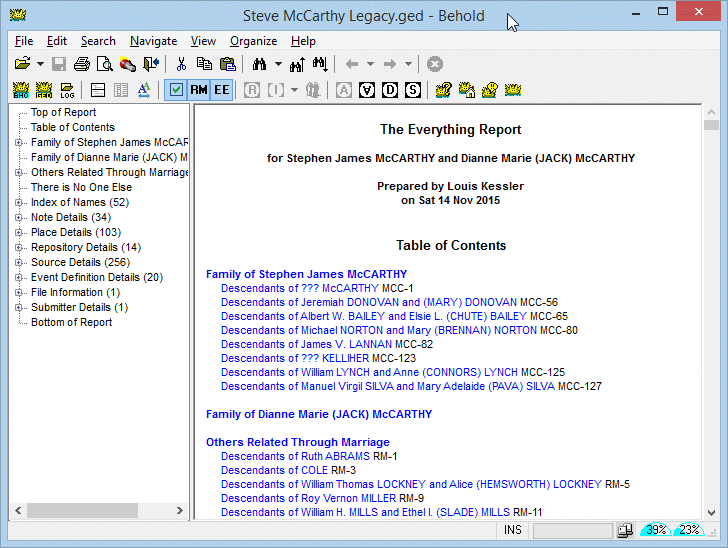
This is the also the Main window of Behold, but expanding a branch in the Tree View and showing some information about a person and his son in the Everything Report.
Note that all information about a person is shown together, with hyperlinks linking to other people, places and sources. Also shown are important "Life Events" of spouses, parents and children that may provide clues and insight about this person's life.
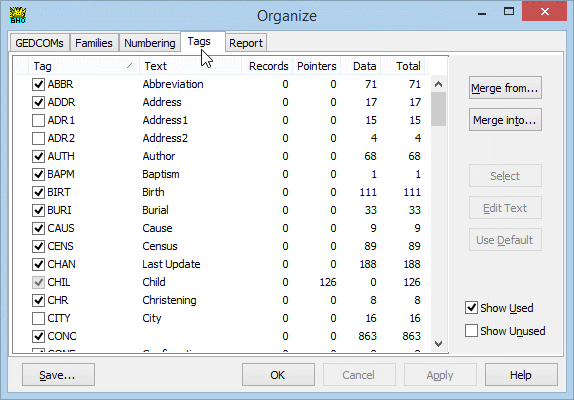
Your data file contains information that you don't always want to see. Behold can show everything, displaying the "unnecessary" data displayed with a grey color, or you can easily hide it by clicking the checkmark icon. You have complete control over what data you choose to show or hide via Behold's Tags page.
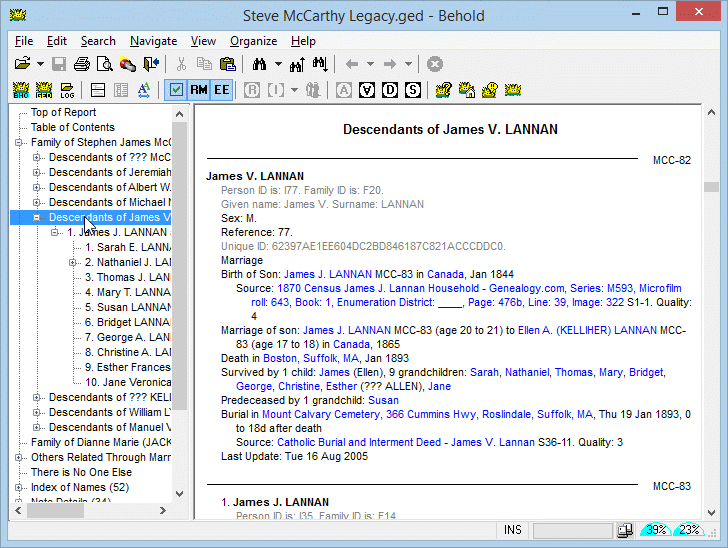
This is again in the Main window of Behold, but a little further down showing the Name Index. Notice the hyperlinks change color and the cursor changes to a hand when your mouse points to one:
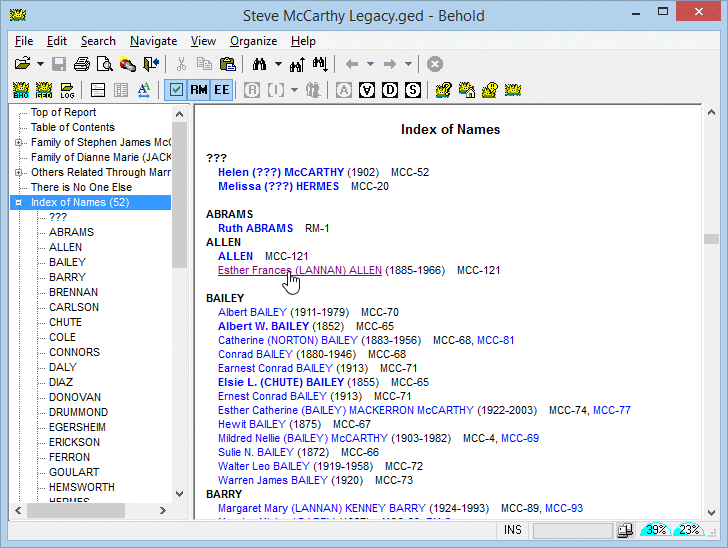
There is still more in the Main window of Behold. That's why the Everything Report is named the Everything Report. Here are the Place Details. All events for each place are along with all the details for each event:
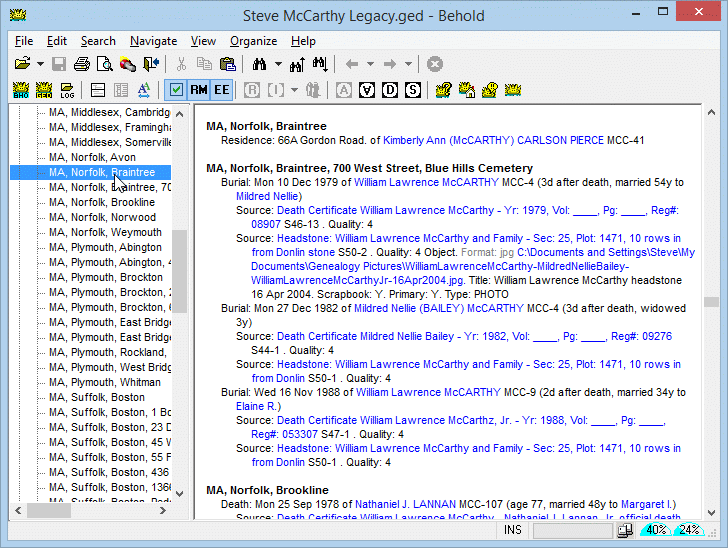
Further down are the Source Details. Each source is shown, along with all the source records within each source. They show each event link to all the people and places included in each source record.
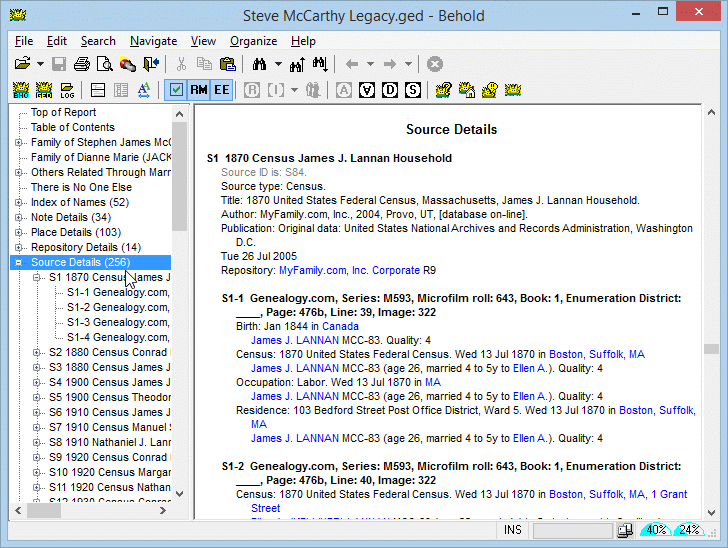
This is the window where you will be editing your information once editing is added in Version 2 of Behold. Oh! It's the same as the screenshot above! That's because you'll be editing right on the Everything Report.
This is what will revolutionize the way you work with your family data. Everything is in one place. You view it, change it, and see it all together and save time and effort. Behold will help you enter your data quickly and easily.
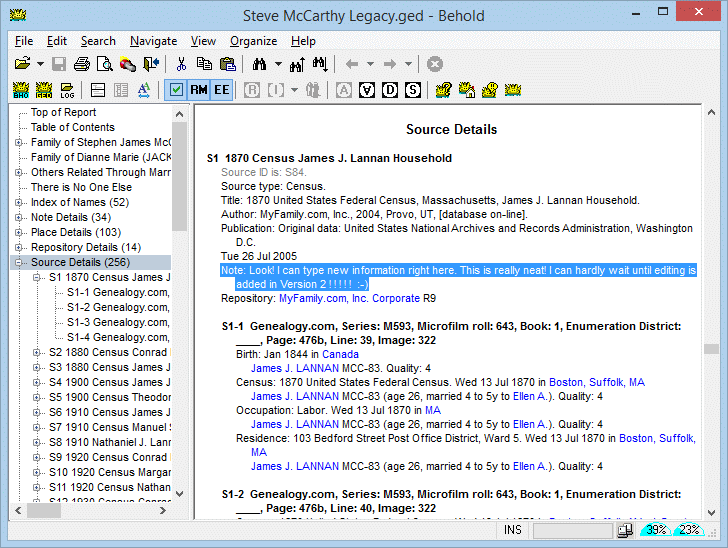
This is the Organize Window. Here you see the GEDCOMs page. Behold can import multiple GEDCOMs. The idea is that you shouldn't have to waste your time merging GEDCOMs and you should be able to keep data in separate files if you want to, but still be able to view them together:
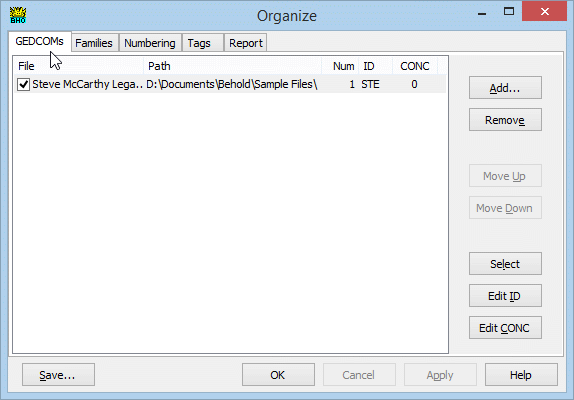
Here is the Families Page of the Organize Window. You can specify here who you want included in the Everything Report, and which families you don't want to include:
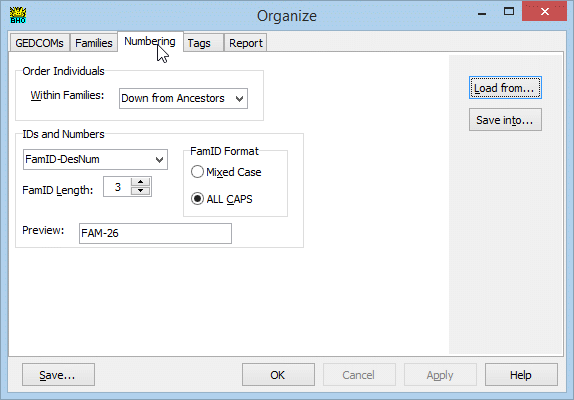
This is the Numbering Page. You can change how the Everything Report is ordered here, and how you would like it numbered:
This is the Tags Page. You can specify what Tags to include and what text to include for them.
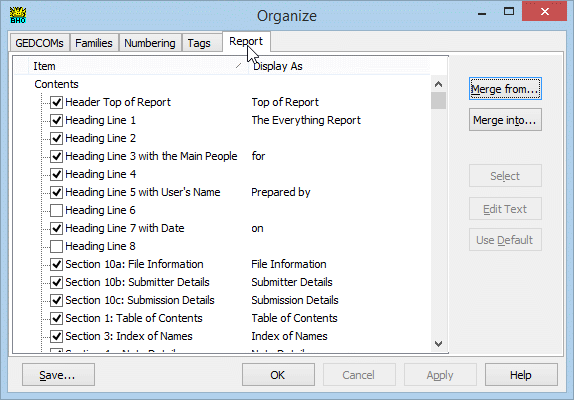
This is the Reports Page. Here you can specify what to include in the contents of the Everything Report, what extra info to include, and how to display specific text strings in the Everything Report.
All of your Organize selections can be saved in a Behold file for one-click access to it. You can create as many customized Behold files as you like, to view your data in the different ways you might want to.
Here is the first toolbar:

File Open (with dropdown history)
Save Behold File
Print
Print Preview
Find Files
Exit
Cut
Copy
Paste
Find (with dropdown history)
Find Previous
Find Next
Back (with dropdown history)
Forward (with dropdown history)
Stop processing
Here is the second toolbar:

View Organize Information
View GEDCOM file
View Log file
Show Tree View on top
Show Tree View on left
Change Text Size
Toggle display of selected/all tags
Toggle display of Relatives through Marriage
Toggle display of Everyone Else
Reorganize
Instant Organize (with dropdown history)
Add Family
Order Down from Ancestors
Order Up to Ancestors
Show Descendants only
Order by Surname
Open Help file
Go to Behold website
Go to Behold Discussion Forum
About Behold
Note: The above screenshots use Steve McCarthy's GEDCOM file. Steve is a user of Behold who has given me permission to use his file in these screenshots, in the Behold User Guide, and as a sample file for Behold.