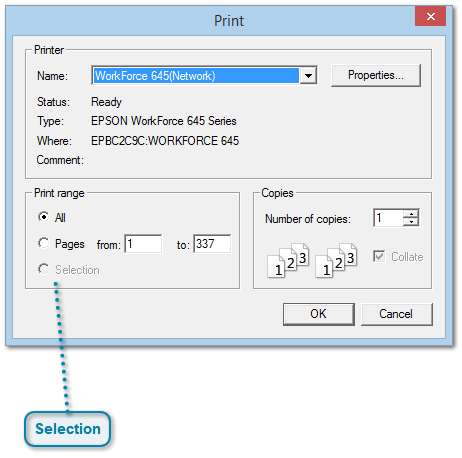
Select Print from the File menu or click on the toolbar icon or press Ctrl+P to bring up the standard Print box.
There's not much to explain here, since it works just about same as in any other program.
 SelectionOne little tip:
If you select a range of text in the Everything Report and then do a Print Preview or Print, by default, only the selection will be used.
This will make it easier for you to select small parts of your family information to be printed.
Note: Until editing is added in Version 2.0 of Behold, selection is limited to only a few items (people, places, sources) at a time.
|
|